Partner programme
What you get as an ATOP partner.
Built for resellers and integrators serving data centres, geo-cloud providers and AI infrastructure, and for operators ATOP works with directly. Here is exactly what the portal does today, and what is coming next.
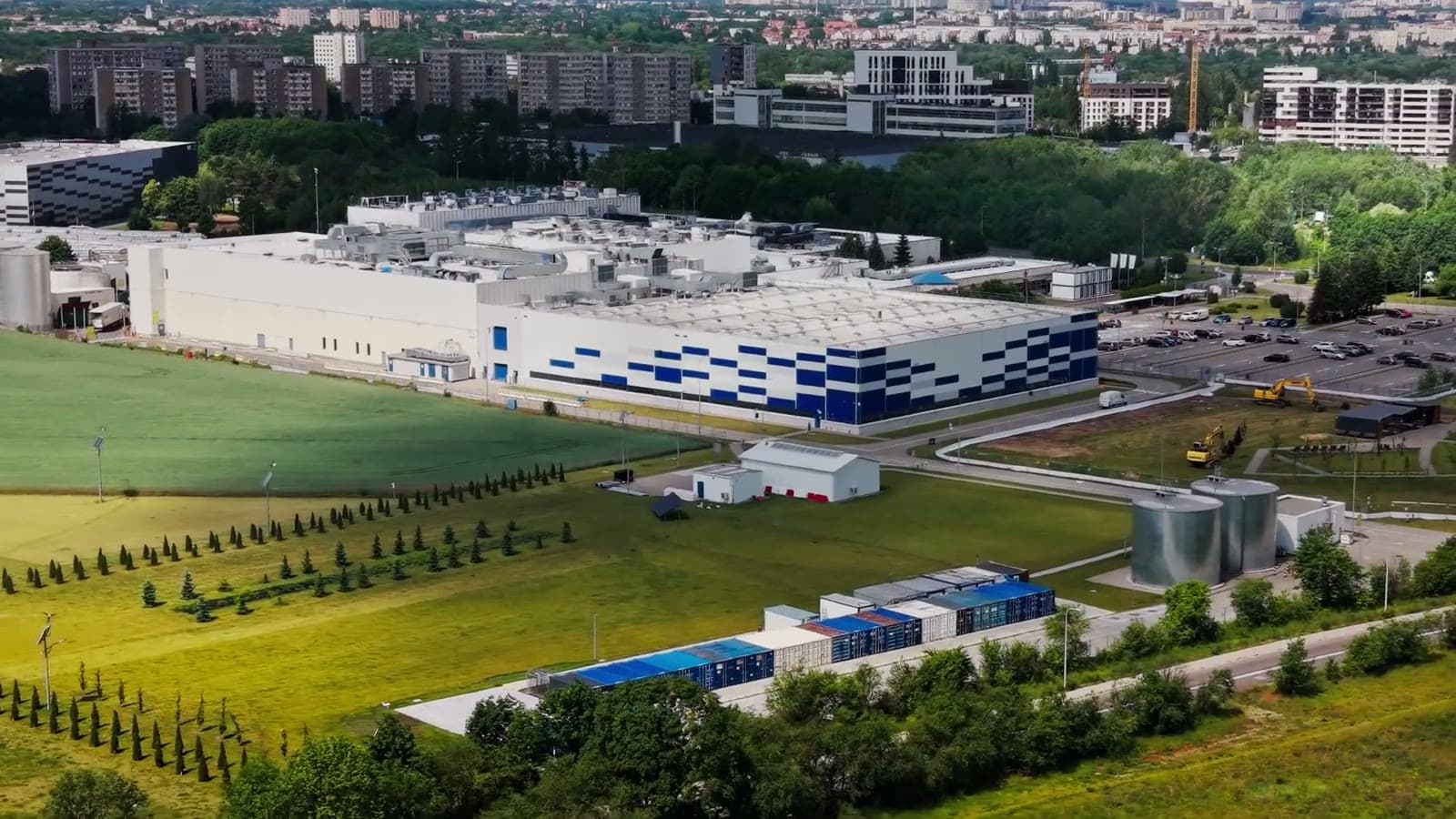
Illustrative image
Inside the portal
- 01
Datasheets
Every published ATOP datasheet as a web page and a PDF, searchable by ATOP part number, OEM code, your SKU or plain words, with favourites and speed and type filters. Each sheet is signed off by an ATOP product manager before it can be downloaded.
TransceiversInteractive datasheet
Optical specificationread from the PDFPower consumptionread from the PDFPin assignmentfigureOrdering informationtableDownload PDFMy parts - 02
Branded datasheets
Once your logo is on file, download any datasheet under your own brand: your logo, your cover colour, your part numbers, your own extra sections. ATOP's name and part numbers are replaced by yours throughout and the technical content is unchanged.
Your logoDatasheetQSFP-DD AOC 20M
Your part numberNW-DDC200Cover colouryour brand colourExtra sectionsyour own - 03
Your part numbers
Type or import your SKUs against our parts, including each part's OEM-equivalent variants. They appear on datasheets, in the catalogue, in search and in your API feed.
APCO20-DDC200QSFP-DDCableQSFP-DD AOC 20M
Specifications
Form factorQSFP-DDReachfrom the datasheetPowerfrom the datasheetOEM equivalents
MSAAPCO20-DDC200Cisco equivalentAPCO20-DDC200-CS0Your SKUalongside oursDatasheetEnd-of-sale and end-of-life dates - 04
BOM match
Upload a bill of materials as a PDF, spreadsheet, text or image. Every line comes back as a match, a line to review or no match, with a note and the datasheet. Export the result as a CSV and keep the history for your team.
customer-bom.xlsx, 4 lines
100G QSFP28 SR4DatasheetMatch25G SFP28 LRDatasheetMatch10G SFP+ ERReviewPatch panel 24pNo matchEvery line with a note. Export as CSV.
- 05
Catalogue and OEM equivalents
Every part with its specifications, OEM equivalents, datasheet and end-of-sale and end-of-life dates.
APCO20-DDC200QSFP-DDCableQSFP-DD AOC 20M
Specifications
Form factorQSFP-DDReachfrom the datasheetPowerfrom the datasheetOEM equivalents
MSAAPCO20-DDC200Cisco equivalentAPCO20-DDC200-CS0Your SKUalongside oursDatasheetEnd-of-sale and end-of-life dates - 06
ESG Scope 2 estimates
Pick parts and quantities per site, set electricity price and grid factor, and get connected power, cost and CO₂e estimates from the power figures in our datasheets, as a statement in your branding. An estimate, labelled as one.
Powerfrom the datasheetElectricityyour priceCO₂eyour grid factorSiteHallPrint PDF - 07
API and MCP
Read-only access to products, specifications, OEM equivalents, datasheets and images, with your SKUs alongside ours, plus a changes endpoint for polling. Keys issued by ATOP per partner.
Read-only. Keys issued per partner by ATOP.
GET /api/v1/products?q=100G SR4
GET /api/v1/products/{pn}
GET /api/v1/datasheets/{slug}/pdf
GET /api/v1/changes?since=2026-10-01
MCP tools: search_products, find_by_oem_code, get_product, list_datasheets, get_datasheet
- 08
Your team
Your partner admin invites colleagues from inside the portal; each person signs in with their own email and password.
Invite from Settings
A colleague's work emailSendLLeadCompany adminSSalesTeam memberEEngineerTeam memberOnly email domains ATOP has approved for your company.
How joining works
Four steps, and a person at each one.
Apply
Tell us about your business on this site.
Talk
An ATOP partner manager replies personally and agrees how we will work together.
Invitation
You receive an invitation by email, create your password and set up your company and brand in a short walkthrough.
Start
Datasheets, BOM match, the catalogue and your API key from day one.
Partners sign in with email and password. ATOP staff sign in with their Microsoft 365 account.
Invite from Settings
Only email domains ATOP has approved for your company.
Commercial terms
Agreed with you, never published.
ATOP does not publish prices. Pricing and terms are agreed between your company and your ATOP partner manager. Where pricing has been agreed and switched on for your company, your prices appear inside your portal and in your API feed, and nowhere else.
Coming next
Training, sales decks and the compliance library are being filled.
Training courses with certificates, co-branded sales decks and the compliance library are built and being filled. They switch on when the content is ready.
Frequently asked questions
Become a partner
Sell the part that stays the same.
Tell us about your business. An ATOP partner manager reads every application, replies personally and, when it fits, sends your invitation to the portal.